
Smart thermostats offer much more than simply controlling your home’s temperature. They’ve become handy gadgets for saving on energy bills, keeping your living space comfy, and making your daily routine easier. With the flood of styles and brands out there, sorting through smart thermostat features can get overwhelming, especially since each option has its own cool tricks and unique settings. Here, I’m laying out the features that really matter so you can spot what works best for your home and budget.
Why Smart Thermostats are a good upgrade for any home
Switching to a smart thermostat comes with several perks, beyond just adjusting the temperature without leaving the couch. Utility companies and energy experts point out that smart thermostats can help lower monthly bills, mostly because these devices learn your habits and help avoid wasting energy when you’re not home.
Most models plug right into your existing HVAC system, and the technology has gotten much more userfriendly over time. Whether you love gadgets or you just want added convenience, it’s worth checking out which thermostat features suit your style and setup. Some projections say the smart thermostat market will keep growing fast through 2030 as more people want both efficiency and comfort in their homes.
Understanding the Different Types of Smart Thermostats
There’s no single smart thermostat style that works for everyone. Each type has a few unique qualities, so it makes sense to match the device to your home and heating or cooling needs:
- Learning Thermostats: These get to know your routine and build custom schedules automatically. If you’re not into programming your own setup, a learning thermostat does the heavy lifting for you.
- Programmable Smart Thermostats: Great if you want a set schedule and direct control. You put in your own times and temps, and the thermostat follows your plan. Most sync up with your phone, too.
- Connected Thermostats: These focus on remote access. You use an app or your voice assistant to control everything from almost anywhere.
- Wireless or Battery Powered Styles: A good solution for homes without a wire, or for renters who might want to move these devices between locations.
Your choice comes down to what your existing wiring can handle and whether you prefer “set it and forget it” or a more hands-on approach.
The Smart Thermostat Features That Make a Difference
Once the basics are covered, here’s where things get interesting. These are the features that really step up comfort, convenience, and savings:
- Remote Control and Monitoring: Use your phone, tablet, or even smartwatch to adjust your home’s temperature from your bed, the car, or while you’re away on vacation.
- Learning and Scheduling: Some thermostats track when you’re home, asleep, or at work and make a custom temperature plan automatically over time. The more you use them, the more efficient they get.
- Geofencing: Your phone’s GPS works with the thermostat so your home can prep itself before you arrive and save energy after you leave. Super helpful if your schedule changes a lot.
- Voice Control Compatibility: Most major smart thermostats work with voice assistants like Alexa, Google Assistant, or Siri. You can tell your device to warm things up or cool them down without lifting a finger.
- Energy Usage Reports: Monthly, weekly, or daily reports show you how much energy you’re using. Some devices give tips for saving money, which could help you spot patterns you’ve missed.
- Sensor Support (Room or Motion Sensors): Extra room sensors let your thermostat monitor temps in different places, not just at the main unit. Some let you keep important rooms comfy instead of relying on a single hallway reading.
- Adaptive Recovery: The thermostat “pre-cools” or “pre-heats” before you get up or come home, making sure the house reaches the right temp when you want it, not just when you set it.
- Humidity Control: Manages moisture levels for added comfort—beyond heating and cooling. Especially useful in dry or humid climates.
Setting Up and Using Your Smart Thermostats
Installing a smart thermostat isn’t tricky for most people, but a bit of prep helps things go smoothly, especially if you’re dealing with different wiring or HVAC systems. Here’s what’s usually involved in setting things up:
- Double-Check Compatibility: Not every thermostat works with every heating and cooling system. Manufacturers usually have compatibility guides online; it’s smart to check before buying.
- Know Your Wiring: Most smart thermostats need a Cwire for power. If your wiring is older or missing the Cwire, check if a compatible model runs on batteries or comes with an adapter.
- Wifi Connection: A strong Wifi network helps with quick updates, app control, and features like geofencing or energy monitoring. If your router is far from the thermostat, a Wifi extender might help.
- Use the Setup Wizard: Most devices have step by step setup wizards. Following these avoids common problems and usually gets you running in less than a half hour.
- Pair with Smart Home Hubs: Many thermostats work with home automation systems, so you can set up routines like syncing with smart lights or security systems.
Once you’re set up, open the app or dashboard—the good models make it easy to tweak settings, make schedules, and monitor your energy stats in real time.
Popular Styles and Brands Worth Checking Out
Some thermostat brands stand out because they get tons of positive reviews for reliability, usability, and useful features. While choices abound, a few popular models show what’s possible:
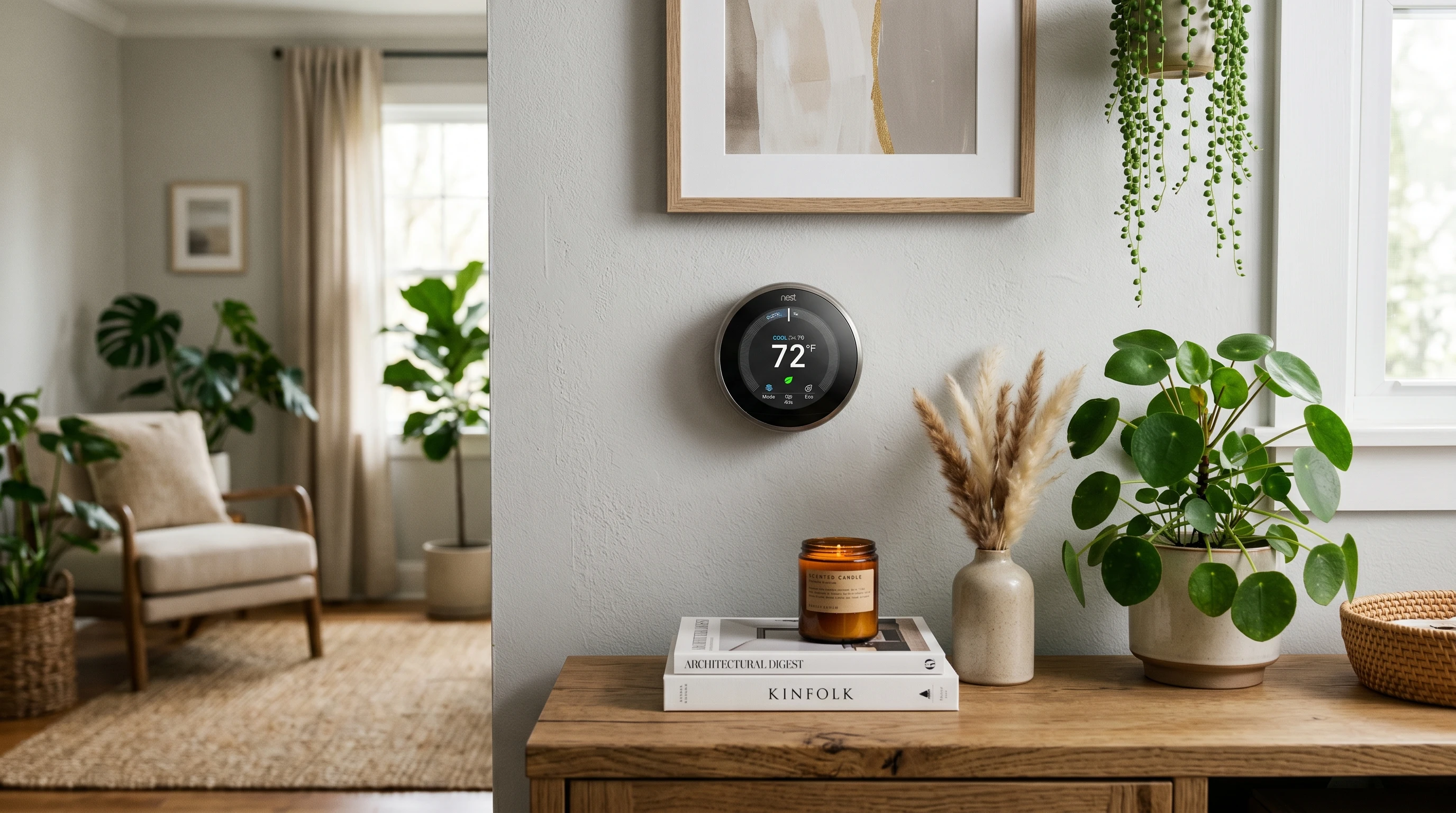
- Google Nest Learning Thermostat: This classic learns your routine quickly. It pays attention to how you use heating and cooling and adjusts automatically. The interface is simple and fits in with most decor.
- Ecobee Smart Thermostat: Ecobee models are famous for their room sensors—meaning you can keep specific rooms at the right temperature, not just where the thermostat is mounted.
- Honeywell Home T9: Another favourite for homes with multiple rooms, the T9 uses sensors for zoned comfort. It also connects with most major voice assistants.
- Emerson Sensi Touch: Budget friendly but solid, the Sensi line fits well in homes with older wiring or systems since it’s flexible about needing a Cwire.
More Advanced Smart Thermostat Tips
Once you’re comfortable with the basics, you can get even more out of your smart thermostat by fine-tuning features that often get overlooked:
Set Up Multiple Schedules: Adjust heating or cooling for weekends, sleepovers, or special events. Many thermostats let you create several custom schedules for a variety of needs.
Explore Automations: Team up your thermostat with other smart devices. For instance, when your security system is armed, have your thermostat switch into away mode to save energy.
Check for Utility Rebates: Many utility companies offer rebates if you install a smart thermostat. Uploading a photo of your invoice could score unexpected savings.
Jump Into Insights: Reviewing reports may show patterns, like heat kicking in every weekend or AC running after everyone leaves. Tweaking your schedule in response can add up to solid energy savings over a year.
Smart Thermostat FAQs
Here are a few super common questions that pop up when people think about smart thermostats:
Can I install a smart thermostat myself?
Answer: Most people with basic DIY skills can handle installation, especially with clear instructions and a few basic tools. If you run into old or odd wiring, an HVAC technician can step in to help out.
Do smart thermostats actually save money?
Answer: These thermostats are built for efficiency. Learning models and energy alerts help you cut back on wasted energy. According to Energy Star, most homes see lower bills after installing a smart thermostat.
Are smart thermostats secure?
Answer: Leading brands use encryption and provide regular software updates. By securing your Wifi and using strong passwords, you add even more protection for any smart home device.
What’s the best thermostat for older homes?
Answer: Models like the Emerson Sensi Touch or battery powered styles are flexible for older wiring. Just doublecheck compatibility with your current setup first.
Key Takeaways for Choosing the Right Smart Thermostat
A smart thermostat is not just about next-level cool tech—it’s a practical upgrade for energy savings, daily comfort, and more control over your living space. From smart learning and hands-free operation to detailed energy reports and room sensors, these features can really give a boost. Matching the thermostat to your home and lifestyle helps you make the most of your investment, whether you’re into full automation or prefer custom setups.
Thinking through compatibility, your most wanted features, and which extras suit your lifestyle makes the search for the best fit way easier. With new brands setting trends every year, there’s bound to be a smart thermostat just right for your space.