
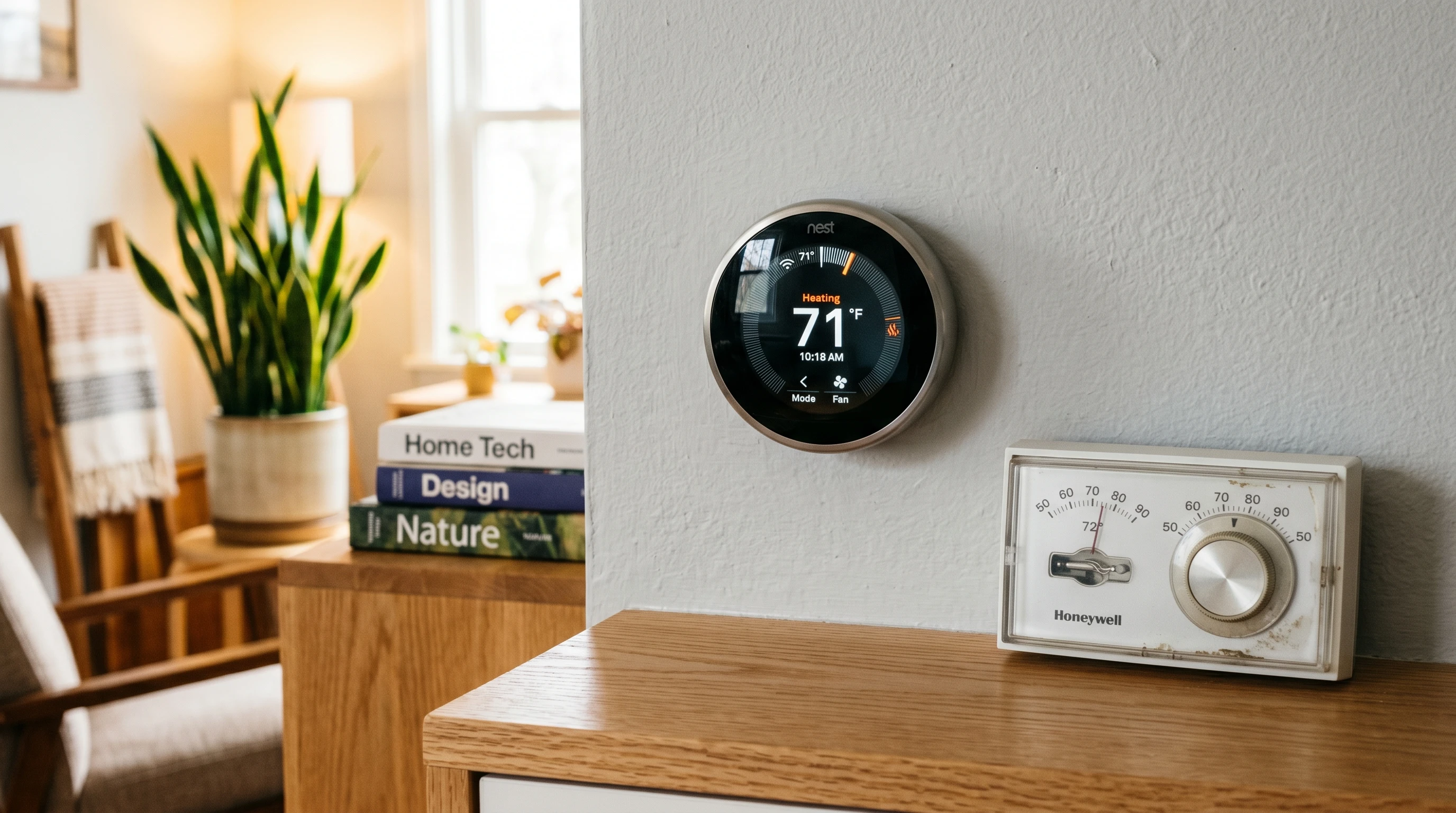
Upgrading from a traditional thermostat to a modern smart thermostat is one of those changes at home that ends up feeling like a pretty big improvement. Instead of fiddling with manual dials and guessing at the right temperature, you get to control everything right from your phone or with your voice. Smart thermostats come with energy tracking, scheduling, and even automation that old thermostats just can’t match. Here’s an all-in-one rundown on what makes these upgrades worth considering, what they actually do, and a few things to keep in mind before switching.
How Smart Thermostats Work
Smart thermostats keep things simple for you while doing a lot more behind the scenes than older models ever could. Most connect directly to your WiFi so you can make adjustments through a phone app, voice assistant (like Alexa or Google Assistant), or even a web portal. They use sensors to spot whether anyone’s home, and many even learn your schedule to figure out when to heat or cool the house for you.
- Remote Control: Change temperature settings when you’re out or lying in bed, no need to walk over to the wall unit.
- Learning Mode: Some models learn your routine after a week or two and adjust automatically, so you don’t even have to mess with settings after that.
- Energy Data: See exactly how much heating or cooling your house uses and get suggestions right in the app to save money.
Getting the settings right sometimes involves a bit of trial and error, but I’ve found that smart thermostats usually have really easy setup guides. And if you get stuck, customer support is generally quick to help out. You can also check online forums where other users share tips and common troubleshooting fixes, making it easier to untangle any issues.
Why Upgrade from a Traditional Thermostat?
Thinking about making the jump? There’s a good chance you’ll notice the difference pretty quick. Here are a few reasons this upgrade is popping up in more and more homes:
- Energy Savings: Only running heat or AC when you’re actually home can save a noticeable amount on your power bill. Smart thermostats make this super easy; even suggestions pop up if you’re using more energy than average.
- Comfort and Convenience: Want the house warm when you wake up but not wasting energy while you’re at work? Set a schedule or let the thermostat learn when you’re around.
- Modern Look: These thermostats just look cleaner and more updated on the wall. Lots have touchscreens or minimalist displays that fit different styles.
- Flexible Control: Parents can lock settings, guests can get temporary access, and anyone in the house can make changes right from their own smartphone.
Besides these perks, some models provide air quality alerts, maintenance reminders, or even insights on how to make your home more energy efficient. Over time, the cost savings could start to add up, giving you another reason to appreciate upgrading your home tech.
Picking the Right Smart Thermostat
With so many options, it’s worth knowing a few things before buying. Some thermostats need a Cwire (common wire) for power, so I always check my wiring first or ask a pro if I’m not sure. A few other details I look at:
- Compatibility: Some models only work with certain heating/cooling systems. Double-check if yours is oil, electric, heat pump, or multizone.
- Features: Not every model has learning modes, humidity sensors, or geofencing (using your phone’s location to know when you’re home). Decide which features will really come in handy.
- App Experience: A good app makes everything easier. A clunky app can be seriously annoying. I usually check reviews to see what real users are saying.
- ThirdParty Integration: If you use other smart home gear, picking a thermostat that plays nicely with your platform (like HomeKit, SmartThings, or Alexa) will make your life way easier.
Price varies a lot, with entry models often starting around $100 and advanced models with all the bells and whistles hitting $250 or more. Most stores have comparison charts that are pretty handy when narrowing it down. Be sure to factor in installation costs if you won’t be putting it in yourself.
Installation and Setup Tips
I’ve found installing a smart thermostat isn’t too intimidating for most people, especially if you’re just replacing an existing wallmounted thermostat. Most come with everything you need in the box, including detailed guides and sometimes even sticky labels for your wires, which helps a lot. Still, if the wiring gets confusing or you run into anything unexpected, a licensed HVAC pro can usually get it done in under an hour.
Some tips that have made things smoother for me include:
- Take a picture of your old wiring setup before disconnecting anything. This step is a lifesaver if you need to reconnect wires or double-check connections.
- Label wires so you don’t mix them up during installation.
- Make sure to turn off power at the breaker so everything’s safe to handle.
- Check WiFi signal strength at the install spot; a weak signal messes with connectivity, so you might need to move your router or add an extender.
Using Your New Smart Thermostat
Now that you’ve swapped your old thermostat, there are some eye-catching features you’ll probably want to try out. Setting up daily schedules takes the guesswork out of comfort. If you leave for a trip, you can set it to vacation mode from the airport. Notifications can remind you about system maintenance or let you know if your house gets too cold in winter, which is pretty useful for avoiding freezing pipes.
Some models even link up with energy rebate programs, so if you’re up for it, check with your energy provider to see if you qualify for discounts or special offers just for running a smart setup. Over time, this can add up to real savings on both your utility bill and maintenance costs.
Don’t forget to keep your app updated, as manufacturers often add new features or make improvements through software updates. This can offer extra scheduling options, improved learning algorithms, or compatibility with new smart home devices.
Questions or Your Experience Upgrading?
If you’ve made the switch to a smart thermostat or you’re still deciding, feel free to share your experience or ask a question below. Whether you’re after wiring tips, app recommendations, or just want to show off your home’s new wall gadget, your input can help other homeowners figure out if this upgrade is right for them. It’s always interesting to see what features people use the most or what unexpected benefits they’ve stumbled upon since upgrading.