
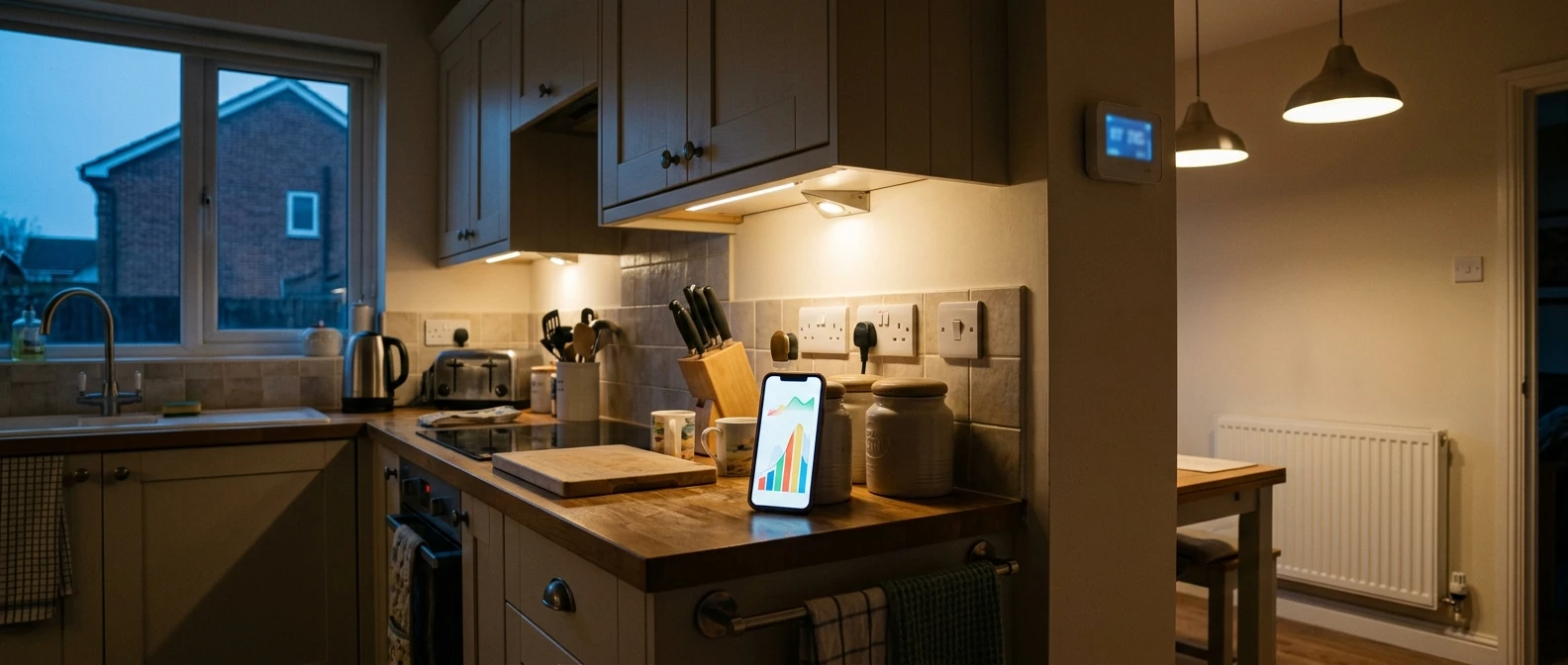
Most homeowners have a rough idea of what their heating costs them. They look at the direct debit, wince, and leave it there. The problem with that figure is it tells you nothing about where the money is going: how much is the boiler cycling overnight, how much is the immersion heater topping up hot water, and how much is one radiator in a cold room working twice as hard as the rest? An energy monitoring app that shows you half-hourly or near real-time use turns a vague monthly wince into something you can act on.
This matters more than ever with a smart meter in most UK homes and a growing number of heat pumps, hybrid systems, and smart thermostats generating their own usage data. The trouble is there’s no single answer to “which app is best”, because the right one depends entirely on what’s already feeding you data. Someone with a smart meter and nothing else needs a different app than someone with an air source heat pump and its own manufacturer controls. This piece splits the options by that route in, so you’re choosing the one that matches what you’ve got rather than downloading five apps and giving up on all of them.
Which app should you use?
- Heat pump: start with the manufacturer’s own app. It is free and the only route to a true heat output and efficiency figure.
- Smart meter and a gas boiler: your supplier’s app, or a free independent app such as Loop or Bright, shows half-hourly gas and electricity use.
- Smart thermostat on a boiler: use its app for runtime and scheduling, and a smart meter app for the cost side.
- Want to watch one circuit: a clamp monitor on that circuit updates every few seconds.
- Be wary of apps that “split out” your heating from a single meter feed; most are estimating.
Why bother to track your heating’s energy use?
Heating typically accounts for the largest share of a UK household’s energy bill, often more than half of it once you include hot water. A shift of even a degree or two on the thermostat, or an hour less overnight heating, shows up clearly in daily usage data long before it shows up on a quarterly statement. Seeing that link quickly is what makes people change behaviour, rather than meaning to and forgetting.
The bigger payoff comes if you’re weighing a heating upgrade. Anyone considering a heat pump, a new boiler, or extra insulation benefits from knowing their real heating demand pattern first: how much gas or electricity goes into space heating versus hot water, how that varies with outside temperature, and whether the existing system is running efficiently or working harder than it should. An installer sizing a heat pump, or you sizing one yourself using our air source heat pump cost and savings guide, is on much firmer ground with a few months of real data behind the decision than with a guess based on bill totals.
It also catches problems early. A sudden jump in daily use with no change in weather or habits is often the first sign something in the system isn’t working as it should, long before it becomes an obvious fault.
What a good energy monitoring app should show you
Not every app that claims to “monitor your energy” gives you anything useful for heating specifically. Before relying on one, check that it shows:
- Half-hourly or more frequent usage, not just a daily or monthly total
- A clear split between electricity and gas where you have both
- Historical comparison, so you can see today against the same day last week or last year
- Cost in pounds, not just kWh, using your tariff rather than a generic estimate
- Export, or at least a readable graph, you can screenshot and keep for reference
A handful also attempt to separate heating from other loads automatically. Be cautious here. Disaggregation, as it’s known, is genuinely difficult to do accurately from a single meter feed, and most apps that claim to do it are making an educated guess rather than measuring your boiler or heat pump directly. Where you can get a true reading of just the heating circuit, from a heat pump’s own app or a monitor wired to that circuit, trust that over anything inferred.
Apps that read your smart meter data directly
If you’ve got a smart meter, you already have a free route into fairly detailed usage data, and several apps will show it to you without any extra hardware.
Your energy supplier’s own app is the obvious starting point. Octopus Energy, British Gas, EDF and others all offer usage graphs through their apps, pulling data from your smart meter via the national data network. Quality varies between suppliers, and some are considerably better than others at showing half-hourly detail rather than just a daily total.

Independent apps built on the same underlying smart meter data network, rather than tied to one supplier, include Loop and Hildebrand’s Bright app. These tend to offer a clearer, more consistent interface than some supplier apps, and they’re worth trying if your supplier’s own app feels thin on detail. Both are free. They typically need you to link your meter once through a short authorisation process, after which the data flows automatically, often including history the meter has already stored.
The limitation with any smart meter-based app is that it shows total household electricity or gas, not heating specifically. If your heating is electric, or it’s the dominant gas load in the home, that total is still a reasonably good proxy. If you’ve got several other heavy electrical loads, an EV charger or an electric shower, it’s harder to isolate the heating from the noise.
Standalone monitors and the apps that come with them
If you want more detail than your smart meter alone provides, a standalone monitor clipped to your consumer unit or wired to a specific circuit gives you data at a resolution smart meters don’t.
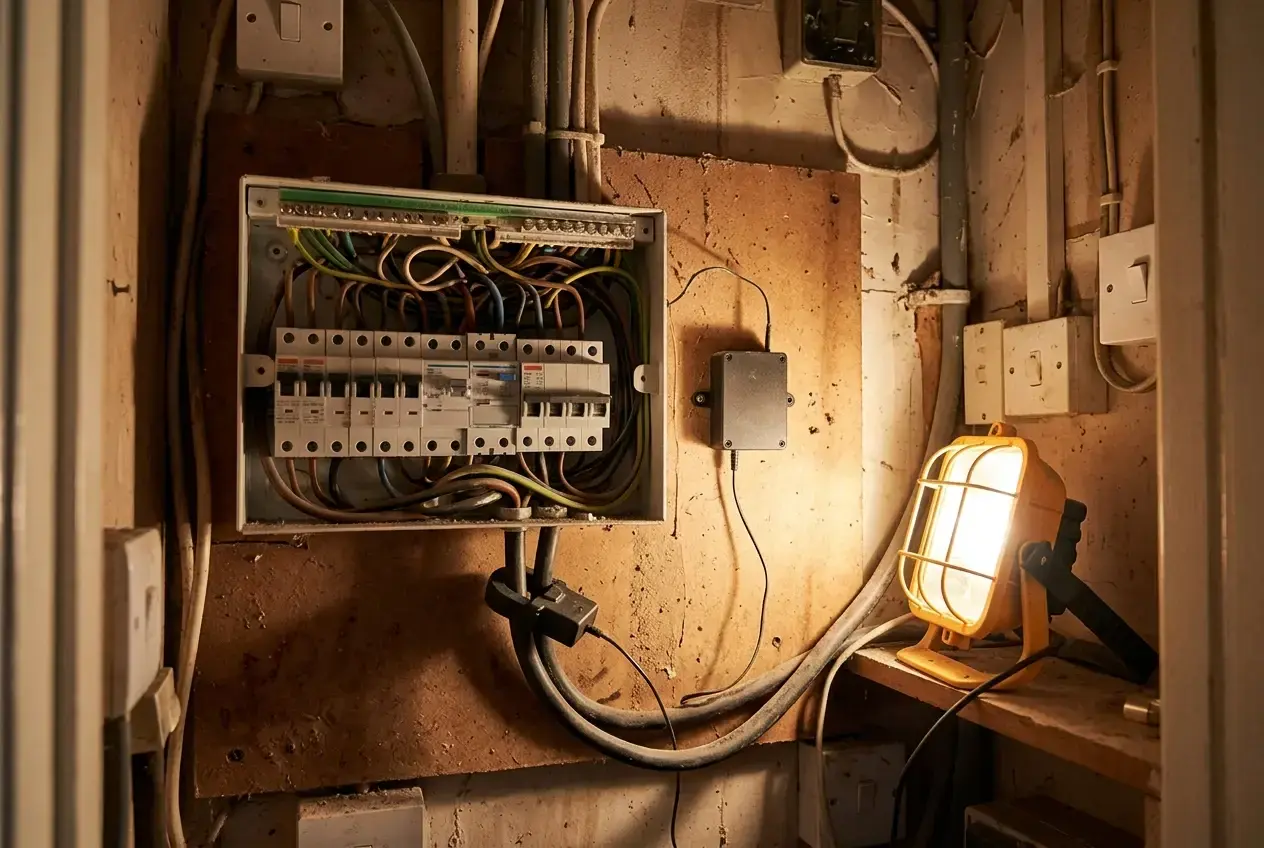
Products such as Smappee’s clamp-based monitors and the Shelly EM feed their own apps directly, updating every few seconds rather than every half hour. Both can take a sensor on an individual circuit, which is the closest you’ll get to watching your boiler’s electrical consumption or your immersion heater in real time without rewiring anything. Clamps fit inside the consumer unit, so unless you are competent to work there, have an electrician fit them.
The appeal of this route is speed and detail. You see a kettle boil or an immersion heater kick in as a spike on the graph within seconds, which makes cause and effect obvious in a way a half-hourly smart meter reading can’t. The trade-off is cost and installation: you’re buying a separate device, and the whole-house clamp versions still can’t isolate your gas boiler’s heat output, only the electrical pump and controls running it.
For anyone who’s just had smart heating controls fitted, it’s also worth checking what your new thermostat or control panel already shows before buying a separate monitor. Our guide to smart thermostats and heating controls covers what the better systems display as standard.
Hardware worth considering
If you want more than your smart meter shows, these two are well-reviewed, inexpensive options that work with their own free app.
Shelly EM Gen3 Smart Energy Meter
- Near real-time readings in the Shelly app
- One 50 A clamp included; takes a second clamp for another circuit
- Works with Alexa and Google Home; no hub needed
Clamp it on the main supply for whole-house use, or on the immersion or heat pump circuit to watch that alone. It fits inside the consumer unit, so have an electrician fit it unless you are competent to work there.
Check price on AmazonShelly Plus Plug UK
- Measures the power of anything plugged into it, up to 3,000 W
- Schedules and timers in the app
- No wiring: plugs into a normal socket
The simplest way to see what a plug-in heater, electric fire or dehumidifier really costs to run, and to stop it running when nobody is in the room.
Check price on AmazonPrices change often, so check the current price on Amazon. These are affiliate links: if you buy, I may earn a small commission at no extra cost to you.
Apps built into heat pumps and smart thermostats
If your heating runs on a heat pump, you already have the most accurate source of heating-specific data available, and it comes from the manufacturer’s own app rather than any third-party monitor.

Apps such as Mitsubishi’s MELCloud for Ecodan, Daikin’s Onecta, Vaillant’s myVAILLANT, the Bosch HomeCom Easy app for Worcester Bosch heat pumps, and the app for Grant’s Aerona Smart Controller all report energy use, and depending on the model and how the system was set up, heat produced, flow temperature and an efficiency or coefficient of performance (COP) figure. That COP figure, how much heat you’re getting out for every unit of electricity in, is the single most useful number for judging whether a heat pump is running efficiently, and no whole-house monitor can give you that.
Smart thermostats that sit on top of a conventional boiler, such as tado°, Hive and Drayton Wiser, show runtime and in some cases estimated savings, though they’re reading the boiler’s on/off cycling rather than true heat output. They’re still useful for spotting patterns, particularly around overnight setbacks and how long the system takes to recover from a lowered temperature.
If you’re running a heat pump through a cold spell and want to check the settings behind those efficiency figures, our guide on running a heat pump efficiently in winter covers the flow temperature and weather compensation settings worth checking against what the app is showing you.
Which type suits your heating system?
Match the app to what you’ve got rather than what looks most impressive:
| Your setup | Start with | What you will see | Limitation |
|---|---|---|---|
| Smart meter, gas boiler | Supplier app, Loop or Bright (free) | Half-hourly gas and electricity use and cost | Whole-house totals; cooking and hot water mixed in |
| Smart meter, all-electric heating | Supplier app, Loop or Bright (free) | Half-hourly electricity use and cost | Clearer picture, but EV charging or an electric shower still muddy it |
| Mixed loads, want circuit detail | Clamp monitor such as Smappee or Shelly EM | Near real-time use on the circuit you clamp | Costs money to buy; cannot measure a gas boiler’s heat output |
| Heat pump | The manufacturer’s app (free) | Energy use and, on most systems, heat produced and efficiency | Accuracy depends on the system’s own metering |
| Smart thermostat on a boiler | Thermostat app plus a smart meter app | Runtime and schedules, with cost from the meter | Reads on/off time, not true heat output |
Getting more from the data once you’re collecting it
Collecting the data is the easy part. The value comes from checking it regularly enough to spot patterns rather than letting it accumulate unread. A weekly look, comparing this week against last and against the same week a year ago where the app allows it, catches drift that a single daily glance misses.

Pay particular attention to overnight use. A gas boiler or heat pump that’s still running heavily after midnight with the thermostat turned down is often a sign of a control setting worth revisiting, something covered in our guide to smart heating controls for heat pumps and boilers. A heat pump showing a COP that drops sharply in cold weather, rather than dipping gradually, can point to a flow temperature set higher than it needs to be.
Energy monitor app questions
Are energy monitoring apps free?
Most are. Supplier apps, independent smart meter apps such as Loop and Bright, and heat pump manufacturers’ apps cost nothing to use. You only pay if you want a clamp monitor for real-time or circuit-level readings.
Do I need a smart meter?
For supplier apps and independent apps like Loop and Bright, yes, because they read your smart meter data. A heat pump’s own app and a clamp monitor both work without one.
Can an app show just my heating?
Only if it measures the heating directly: a heat pump’s own app, or a clamp on the heating circuit. Apps that split heating out of a single whole-house meter reading are estimating.
How often does smart meter data update?
Most apps show half-hourly readings, usually with a delay of up to a day. If you want to see use second by second, you need a clamp monitor or an in-home display.
What is a good COP for a heat pump?
Across a year, a well-designed and well-set-up system should average around 3 or more. Expect lower figures on the coldest days and higher ones in mild weather; a sharp drop in cold weather is worth checking.
If the pattern you’re seeing doesn’t add up, such as a sudden jump in use with no obvious cause, a heat pump that never seems to reach the efficiency the manufacturer quotes, or a boiler that’s running far more than the weather would suggest, that’s worth a proper look rather than guesswork. Get in touch for an independent assessment of what’s really happening.