
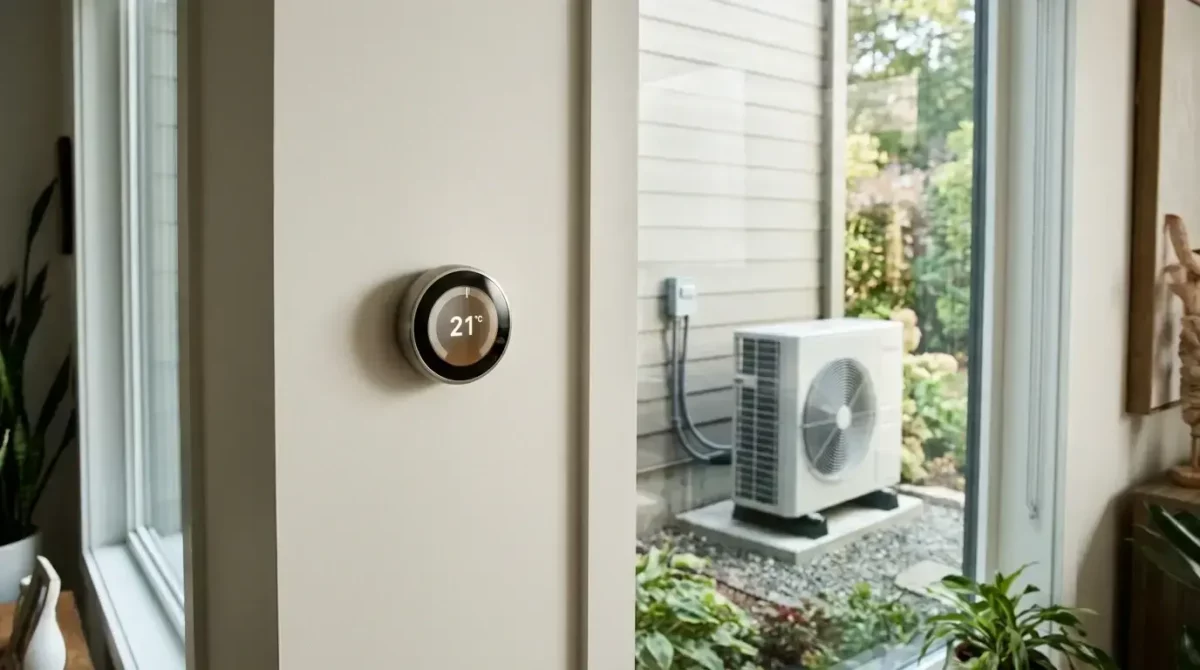
If you have a heat pump, or one is booked in, the thermostat choice matters more than it does with a gas boiler. Most smart thermostat reviews assume a boiler that fires hard, shuts off and fires again. A heat pump works best the other way round: it runs for long periods at low output, with water in the radiators or underfloor loops at a much lower temperature than a boiler would produce.
That changes how a thermostat should be judged. This guide ranks the options by three things in order of importance. First, whether the thermostat works with the heat pump’s own controls. Second, how well it supports load shifting on a time-of-use tariff. Third, how easy it is to live with. It also explains why the best smart thermostat for a heat pump in the UK is no smart thermostat at all.
Heat pump thermostats in short
- Heat pumps like steady, low flow temperatures. Boiler-style setbacks and hard recoveries cost money.
- Check compatibility first: weather compensation, OpenTherm or on/off, and what the manufacturer approves.
- The manufacturer’s own controller is the best choice for most homes.
- A third-party thermostat earns its place only if it adds something: zones, a better app, tariff links or a remote sensor.
- Turn off learning and auto-away, keep setbacks small and leave weather compensation in charge.
Why a heat pump needs a different thermostat from a gas boiler
A gas boiler typically heats water to 60 to 70°C and cycles on and off to hold the room temperature. A smart thermostat that drops the house to 15°C overnight and then calls for a hard burst of heat at 6 am suits that kind of appliance well enough.
A heat pump delivers its best efficiency when the flow temperature is as low as the house will tolerate, often somewhere around 35 to 45°C with correctly sized radiators or underfloor heating. The lower the water temperature, the less electricity it takes to deliver each unit of heat. A thermostat that demands a sharp recovery from a cold setback pushes the heat pump to work harder, raise its flow temperature and, in some systems, bring in the backup immersion element. You pay for that in electricity.
So the question to ask of any thermostat is not how clever its scheduling is. It is whether it lets the heat pump hold a steady, low-flow temperature and modulate its output, or whether it treats the heat pump like a boiler and switches it on and off.
Check compatibility first: weather compensation, OpenTherm and manufacturer controls
Before comparing products, find out how your heat pump is controlled. There are three things to establish.
| What to find out | Where to find it | Why it matters |
|---|---|---|
| Is weather compensation on, and what heating curve is set? | The controller menu or your commissioning sheet | It is the most useful efficiency feature, and a poor thermostat can override it |
| Does the heat pump accept OpenTherm, or only an on/off call? | The installation manual or your installer | Decides whether a thermostat can modulate the heat pump or only switch it |
| Which room thermostats does the manufacturer approve? | The manufacturer’s compatibility list | “It connects” is not the same as “it is supported” |
| Does fitting a third-party controller affect the warranty? | The warranty terms | Unapproved controls can cause disputes if something fails |
Weather compensation
Weather compensation lets the heat pump set its own flow temperature from the outdoor temperature. On a mild day, the water runs cooler; on a cold day, it runs warmer, and the system adjusts continuously. This is the single most useful efficiency feature on most heat pumps, and a poorly chosen thermostat can override it.
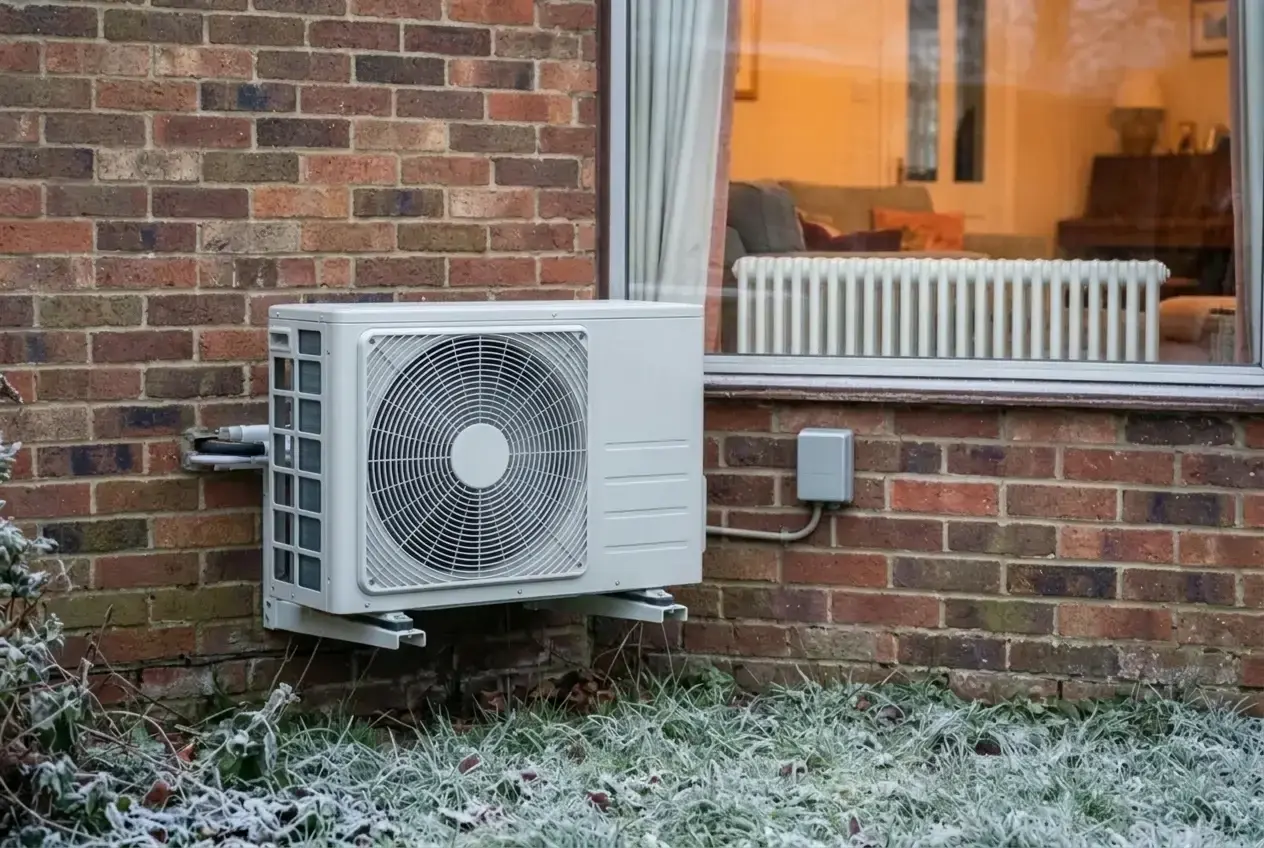
Find out whether weather compensation is enabled on your unit and whether a room thermostat is meant to sit alongside it. Some manufacturers want the room thermostat used only as a limiting signal, for instance to stop heating once the room reaches the target. Others allow it to influence the flow temperature. The installation manual and your installer will tell you which applies.
OpenTherm and other modulating protocols
OpenTherm is a communication standard that lets a thermostat send a requested temperature or heating level to the heat source, rather than a simple on or off signal. Some heat pumps and interface units support it, many do not, and support varies by model. Never assume. A thermostat that advertises OpenTherm support has not necessarily been approved for your particular heat pump.
If your heat pump only accepts a simple on/off call (a volt-free contact, often described as a boiler-style call for heat), a third-party thermostat can still work, but it is acting as a switch. In that case the thermostat should be doing as little as possible: holding a steady target, not running aggressive schedules.
Manufacturer controls and apps
Most major heat pump manufacturers, including Vaillant, Mitsubishi Electric, Daikin, NIBE and Samsung, supply their own controller and app. These are designed for the specific unit, so they can see things a third-party thermostat cannot: flow temperature, outdoor temperature, compressor behaviour and hot water state. They are not always the prettiest interfaces, but they are the ones that understand the machine.
When your heat pump’s own controller is the better choice
For a large share of households, the heat pump’s built-in controller, or the manufacturer’s own room unit and app, is the better choice. This applies in these situations:
- Your installer has set up weather compensation and a heating curve. A third-party thermostat that bypasses or fights the curve can raise your running costs. The built-in controller is designed to work with it.
- Your home is well insulated, and you run a steady temperature. If the plan is to hold 19 to 21°C all day with minor variation, there is little for a smart schedule to improve.
- The manufacturer ties the warranty to approved controls. Fitting an unapproved controller can cause arguments if something goes wrong. Our guide to heat pump warranties and what the small print takes away explains the kinds of conditions to look for.
- The household wants simplicity. A controller with one target temperature and a hot water schedule is hard to misconfigure.
- Your heat pump is not compatible with any third-party thermostat you are considering. If the manufacturer does not list it as supported, there is no sound case for forcing it.
A smart thermostat earns its place when it adds something the built-in controller lacks: room-by-room control in a larger home, a better app, integration with a tariff, or a remote sensor in the room where the temperature matters most. If it adds none of those, leave it out.
The smart thermostats worth considering and what each one suits
Product ranges and compatibility change often, so treat this as a guide to what to look for, and confirm the exact model with your installer and the heat pump manufacturer before you buy. In order of preference for a heat pump:
| Option | Works with weather compensation | Modulates the heat pump | Room-by-room control | Best for |
|---|---|---|---|---|
| 1. Manufacturer’s own controller and app | Yes | Yes | Usually limited | Most homes, especially single-zone |
| 2. Third-party thermostat listed as compatible | If set up correctly | If OpenTherm is supported | Often | Better apps and smart home links, once compatibility is confirmed |
| 3. Multi-zone system with smart radiator valves | If set up correctly | Sometimes | Yes | Larger homes, with a buffer, bypass or enough open radiators |
| 4. Mainstream on/off smart thermostat | Only as a limit | No: switches only | No | Simple installations, with learning features turned off |
1. The manufacturer’s own controller and app
This comes first because it is the one most likely to work correctly with weather compensation, modulation and hot water control. It suits most owners, particularly anyone with a single heating zone and a reasonably consistent routine. The drawback is that apps vary in quality, and some have limited scheduling options.
2. A third-party thermostat the heat pump manufacturer lists as compatible
Some third-party brands, including tado°, Honeywell Home’s Evohome range and Drayton’s Wiser, have offered OpenTherm-capable hardware alongside their standard on/off receivers. The key points to verify are:
- The model and receiver you are buying support OpenTherm or the interface your heat pump uses.
- The heat pump manufacturer lists it as supported, not just that it connects.
- Your installer has set it up and is willing to stand behind it.
This option suits owners who want better app control, multi-room visibility or integration with other smart home devices, and who have confirmed the compatibility in writing.
3. Multi-zone systems with smart radiator valves
Evohome and Wiser, among others, offer zone control with smart radiator valves. These can be useful in a large house where bedrooms and living areas have different needs. With a heat pump, though, valves that close down radiators reduce the flow of water through the system, and a heat pump needs enough flow to avoid short cycling. If you use them, the system needs a buffer tank, a bypass or enough radiators held open. Ask your installer before fitting them. In a small or open-plan home, zone control tends to do more harm than good.
4. Mainstream on/off smart thermostats
Hive and Nest are best known as boiler thermostats. Hive works as an on/off switch, and while Nest can use OpenTherm with some boilers, neither is designed around a heat pump. They may work with a heat pump as a switch, and in some setups they can be a reasonable choice for a simple installation. Check whether your model supports your specific heat pump, and set the learning or auto-schedule functions off. Their strengths, such as geofencing and smart learning, are the features most likely to cost you money on a heat pump, because they push for fast recovery after a setback.
If you have confirmed a third-party option is compatible, these are the ranges to look at:
tado° X
A popular app with room-by-room control and smart radiator valves. Check which receiver suits your heat pump, and turn off auto-away features.
See the range on AmazonDrayton Wiser
Good-value multi-zone control from a long-standing UK brand, with OpenTherm-capable hardware in the range.
See the range on AmazonHoneywell Home Evohome
Detailed zoning for larger homes, with an OpenTherm bridge available. Best set up by your installer.
See the range on AmazonCheck your heat pump manufacturer’s compatibility list before you buy, and choose the receiver or bridge that matches your system. These are affiliate links: if you buy, I may earn a small commission at no extra cost to you.
Load shifting on time-of-use tariffs: pre-heating without wasting electricity
A time-of-use tariff charges different rates at different times of day, and some heat pump owners use that to run the system when electricity is cheapest. This is called load shifting. It can lower bills, but it only pays when the home can hold the heat it has been given.
How well pre-heating works depends on the building:
| Your home | Does pre-heating pay? | Best approach |
|---|---|---|
| Well insulated, underfloor heating or lots of thermal mass | Usually | Heat in the cheap window and coast through the expensive one |
| Average insulation, reasonably sized radiators | Sometimes | Raise the target by a degree or so in the cheap window, then let it drift |
| Poorly insulated, or small radiators | Rarely | Shift the hot water cylinder only; keep space heating steady |
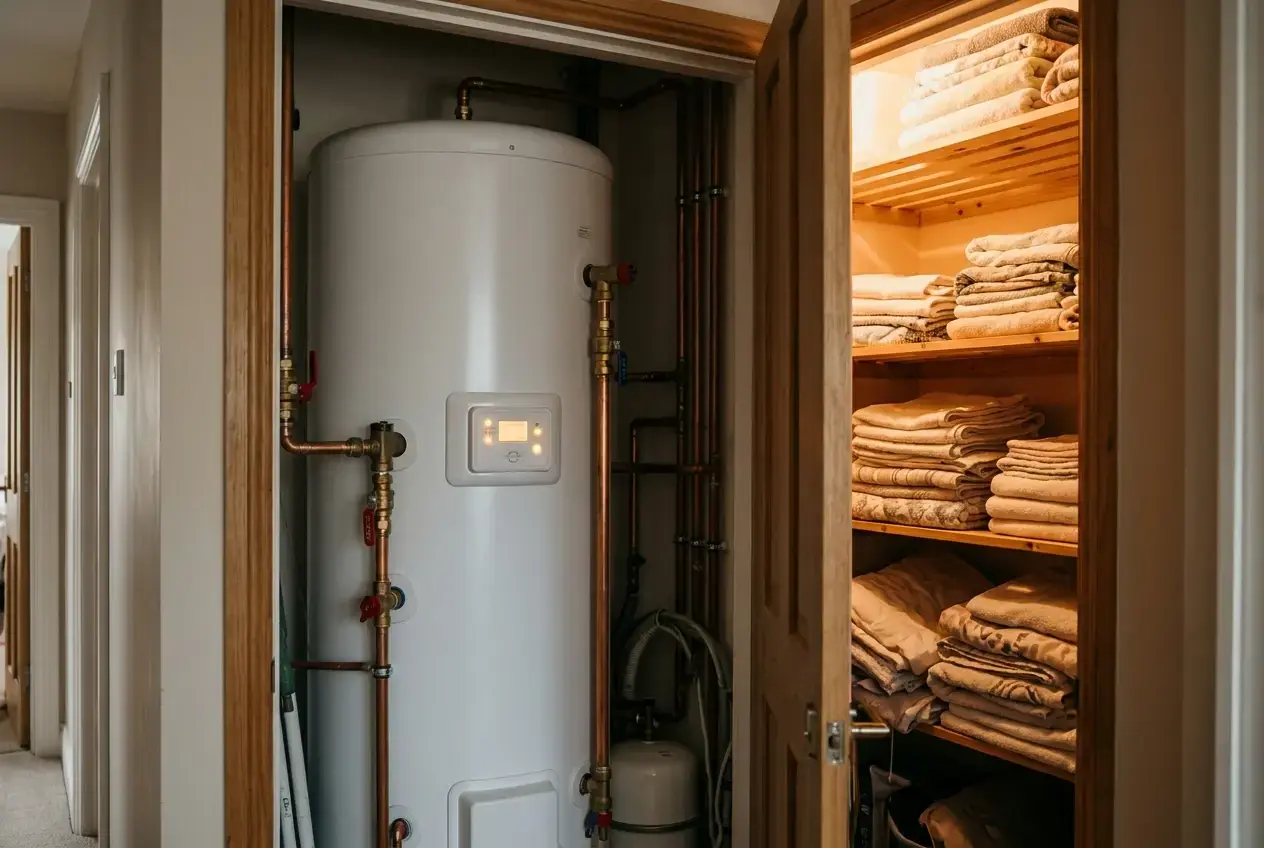
The hot water cylinder is usually the easier thing to shift. A cylinder stores heat well, and heating it in the cheapest window is a straightforward saving with little effect on comfort. Many heat pump controllers can schedule this on their own.
For space heating, a modest approach tends to work best. Raise the target by a degree or so during the cheap window, then let it drift down slightly, rather than aiming for a large swing. Look at what the thermostat does when the cheap window ends. If it switches the heat pump off completely and calls for a hard restart later, it will give back much of what you saved.
When choosing a thermostat for this, the useful features are:
- Schedules that can be set to match the tariff windows.
- Small, controllable setpoint changes rather than a fixed setback.
- A connection to the heat pump or tariff provider so it follows the rates automatically.
- Visibility of what the heat pump is doing, so you can judge whether the strategy is working.
An energy monitor helps you test the result. Our roundup of the best energy monitor apps for tracking heating costs covers ways to see whether your pre-heating strategy lowered the bill or only moved the load around.
Ease of use: schedules, app quality and what the rest of the household will tolerate
A thermostat that the household cannot or will not use is no use, however well it is specified. Heat pump systems reward consistency, so the controls need to be understood by everyone who might touch them.
Points worth weighing:
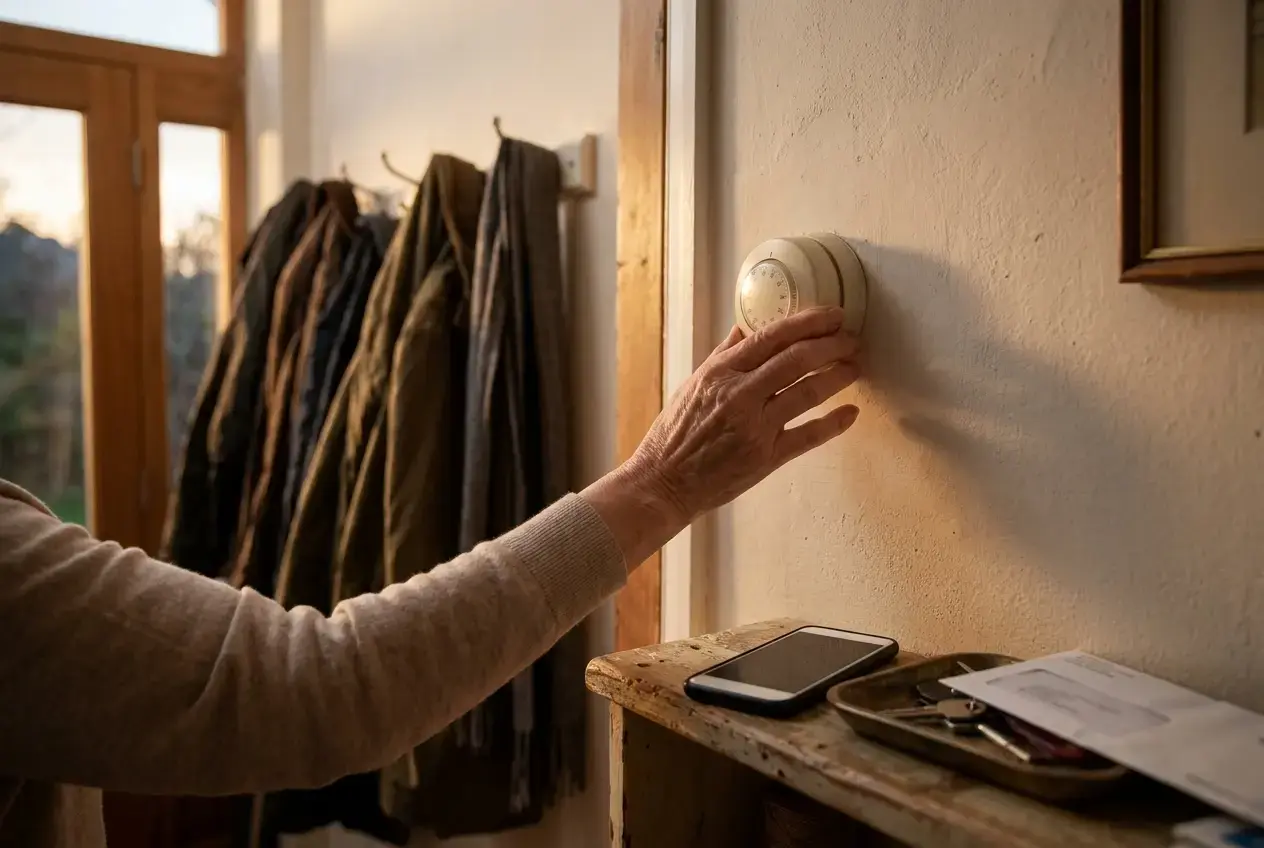
- Wall unit or app only. Some people want a physical dial or buttons. If any member of the household does not use a phone, choose something with a usable wall control.
- Schedule complexity. Many apps allow six or more daily set points. A heat pump usually needs fewer: a comfortable daytime temperature, a slightly lower night temperature, and a hot water window.
- Guest and override settings. A temporary boost button that bumps the target by several degrees is the thing most likely to run up bills when used repeatedly. Check how it behaves and whether it can be limited.
- Remote access. Being able to see and adjust the heating away from home is handy, but a thermostat that automatically sets back when everyone leaves the house works against the heat pump’s preference for steady running.
- App stability. A manufacturer app that stops working after an update is a real risk. Look at recent user reviews and the manufacturer’s record of support.
Agree the settings as a household and leave them alone. Frequent adjustments rarely help a heat pump.
Settings that stop a smart thermostat raising your running costs
If you fit a smart thermostat, these settings tend to protect efficiency. Confirm each against your heat pump’s manual and installer advice, because systems differ.
- Limit setback depth. Instead of letting the house drop 4 or 5°C overnight, use a smaller setback of one or two degrees, or none at all in a well-insulated home.
- Turn off learning, early start and auto-away features unless you have confirmed they behave sensibly with your system.
- Keep weather compensation on and let the heat pump set the flow temperature. The thermostat should be telling it when to stop, not how hot to run.
- Leave radiator valves open in the room with the thermostat, and avoid closing down most of the radiators. A heat pump needs enough water flowing through the system.
- Check the backup heater. Make sure the immersion or electric backup is not triggered by recovery from setback. If you see it kicking in during ordinary use, change the schedule.
- Separate hot water from space heating. Set the cylinder schedule on the heat pump’s own controller, ideally in the cheapest window available to you.
- Review after a few weeks. Compare electricity use week to week and make one change at a time, so you know what caused any difference.
For a seasonal view of these adjustments, our heat pump efficiency tips for winter walks through settings to review before the cold weather arrives.
Questions to put to your installer before you buy anything
Settle these before you spend money on a thermostat, ideally before the heat pump is installed.
-
Questions for your installer
- Is weather compensation enabled, and what heating curve have you set?
- Does the heat pump accept OpenTherm or only an on/off signal?
- Which room thermostats and controllers does the manufacturer list as compatible with this model?
- Will fitting a third-party thermostat affect the warranty or your commissioning paperwork?
- Do you recommend a room thermostat at all, or is the weather-compensated curve enough for this house?
- What setback, if any, suits this house given its insulation and radiators?
- How is hot water scheduled, and can it follow a time-of-use tariff?
- If I use smart radiator valves, how will the system keep enough flow?
- Who do I call if the controls misbehave: you, the thermostat maker or the heat pump manufacturer?
How an installer answers is informative. Vague replies to the first three questions suggest the system may not have been commissioned with care. Our guide on choosing the right heat pump installer covers how to judge that before you commit.
Smart thermostat questions
Do I need a smart thermostat with a heat pump?
Often not. The heat pump’s own controller, with weather compensation set up properly, suits most homes. A smart thermostat is worth it only if it adds something the controller lacks, such as zoning, a better app or tariff integration.
Can I use Hive or Nest with a heat pump?
Sometimes, usually as a simple on/off switch. Check your heat pump manufacturer lists the model as compatible, and turn off learning, early start and auto-away features, which push the heat pump into costly fast recoveries.
What is OpenTherm?
A standard that lets a thermostat ask the heat source for a level of heat, rather than just switching it on and off. Some heat pumps and interface units support it, but many do not, so check before you buy.
Should I turn my heat pump down at night?
Only a little, if at all. A setback of one or two degrees suits most homes; larger drops make the heat pump work harder and hotter to recover in the morning.
Do smart radiator valves work with heat pumps?
They can, but closing many radiators reduces the flow through the heat pump. The system needs a buffer tank, a bypass or enough radiators left open. Ask your installer before fitting them.
If you do not yet have a heat pump, or you are not confident your installer has specified the controls properly, the best time to sort it out is before the quote is accepted. Our heat pump quote page lets you request quotes so you can compare how different installers propose to set up the system and its controls.